
Finding a good laptop that runs Linux straight out of the box takes a lot of work. Most computer stores only sell machines running Windows or macOS. If you want an open-source system, you usually have to buy a standard laptop, wipe the hard drive, and hope all the internal parts actually work with your chosen Linux distribution.
Many people end up fighting with broken Wi-Fi drivers, trackpads that refuse to click, or sound cards that stay silent. Buying a laptop with Linux already installed solves these headaches. The manufacturer does the hard work of matching the software to the hardware, so you can open the lid and get straight to work.
We looked closely at the top options available right now. We read through real buyer feedback to see which laptops handle heavy coding, which ones have annoying quirks, and which ones give you the best speed for your daily tasks. Here is our guide to the best Linux laptops you can buy today.
Quick Comparison
| # | Product | Rating | Reviews | Best For | Action |
|---|---|---|---|---|---|
| #1 | Lenovo IdeaPad Slim 3 | 4.2 | 9 | Best Overall | View on Amazon |
| #2 | Lenovo IdeaPad 512GB | 4.2 | 9 | Budget Pick | View on Amazon |
| #3 | Lenovo Linux Mint i5 | 4.6 | 9 | First Time Users | View on Amazon |
| #4 | Panasonic Toughbook 31 | 2.0 | 2 | Field Work | View on Amazon |
| #5 | HP 17 Linux Mint | 4.3 | 8 | Large Screen | View on Amazon |
| #6 | MAXVELTH 14-Inch | 4.3 | 12 | Maximum RAM | View on Amazon |
| #7 | Lenovo Thinkbook 14s | 4.3 | 2 | Frequent Travel | View on Amazon |
| #8 | Lenovo Business 15 | 3.9 | 13 | Bulk Storage | View on Amazon |
| #9 | Lenovo Thinkbook 13s | N/A | N/A | Premium Power | View on Amazon |
| #10 | Lenovo ThinkPad E16 | N/A | N/A | Typing Comfort | View on Amazon |
#1 Best Overall — Lenovo IdeaPad Slim 3
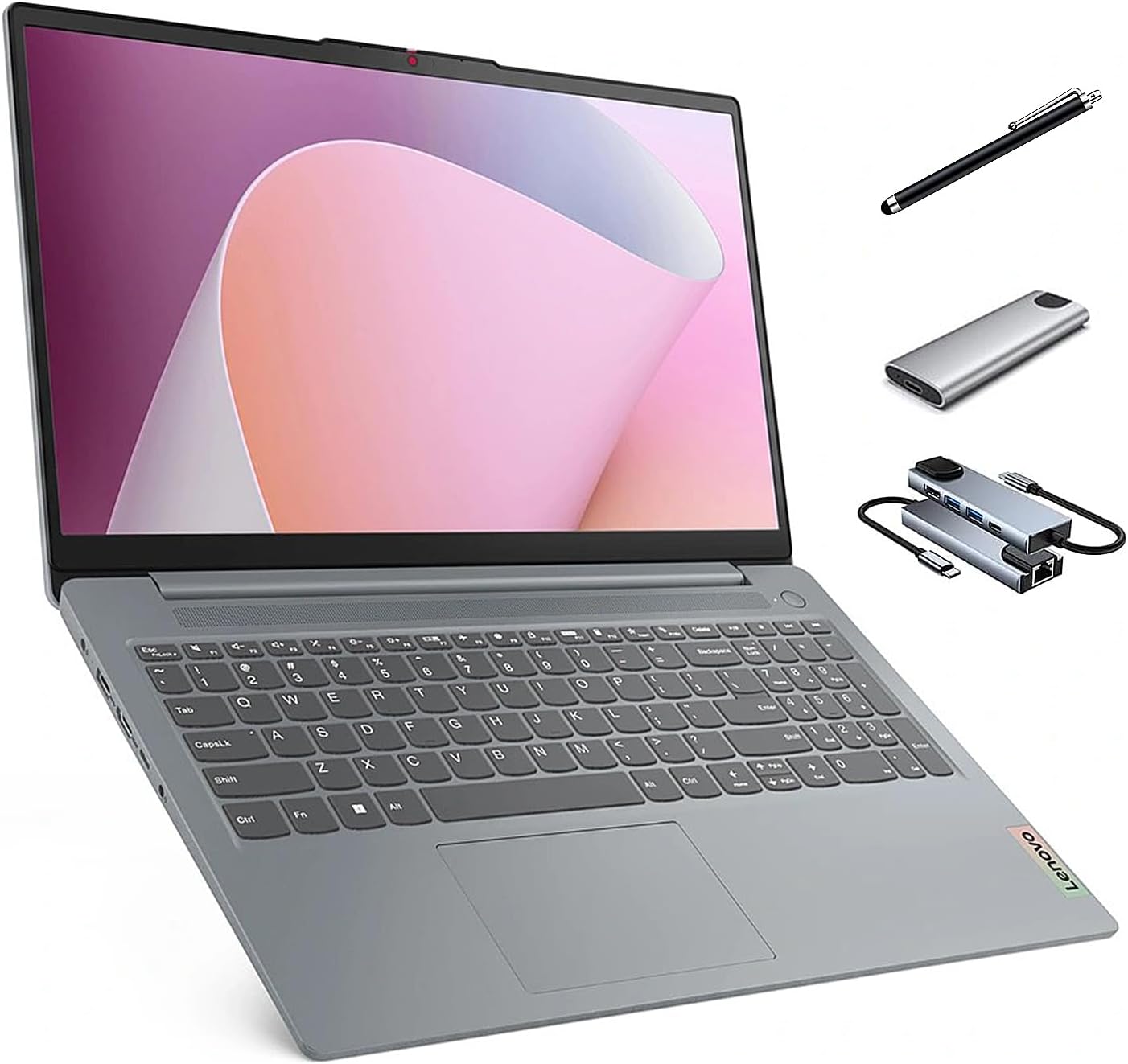
This Lenovo laptop targets developers and students who want Ubuntu ready to go on day one. It features a fast AMD Ryzen 7 processor and comes with a bundle of accessories, including an external hard drive and a docking station.
The 1TB solid-state drive makes the biggest difference here. Linux operating systems take up very little space, so having a massive 1TB drive gives you endless room for large coding projects, virtual machines, and video files.
Buyers praise how quickly the laptop boots up and runs right out of the box. However, several users note that the built-in Ubuntu App Center runs very slowly and needs an immediate update. Others mention that the battery drains fast and the plastic case collects fingerprint smudges easily.
This laptop shines best in a home office setting where you can plug it into the wall and use the included docking station to connect extra monitors.
Honestly, the accessory bundle makes this a great starter kit. The processor handles heavy multitasking without breaking a sweat. I would recommend this to anyone who writes code all day, though the weak built-in speakers mean you will definitely want to use headphones for listening to music.
Compared to the 512GB version of this same laptop, this model gives you double the internal storage space for your files.
✅ Pros
- Runs Ubuntu perfectly right out of the box
- Handles heavy multitasking with a fast processor
- Includes plenty of storage for large projects
- Comes with useful extra accessories
❌ Cons
- Battery drains quickly during heavy use
- Plastic case attracts fingerprint smudges
- Built-in speakers produce weak sound
💬 What Customers Say
Most buyers agree that this laptop offers great speed and an easy setup process. People who switched from Windows say they love having a machine that just works without hunting for drivers. However, a common complaint centers around the battery life, which many users say falls short of modern standards. Buyers also note that the built-in speakers sound flat and quiet.
#2 Best Value — Lenovo IdeaPad 512GB

This is the exact same Lenovo IdeaPad Slim 3 as our top pick, but it comes with a smaller 512GB solid-state drive. It suits students or casual coders who want strong performance but do not need massive amounts of local storage.
The AMD Ryzen 7 processor remains the star feature. It uses 8 cores to power through heavy web browsing, photo editing, and code compiling without freezing or slowing down.
Customers report that the Ubuntu system runs fast and feels much safer than Windows. Some buyers point out that they had to manually change some power settings because the keyboard sometimes fails to wake up after the laptop goes to sleep.
This machine works best for daily web development or writing tasks where you save most of your work to the cloud rather than the local hard drive.
I think this is a smart pick if you want to save a little money. Linux takes up so little room that 512GB is still more than enough for most people. I would caution buyers about the tech support, as reviews show you will need to rely on community forums rather than Lenovo if you run into software trouble.
✅ Pros
- Fast processor handles code compiling easily
- Ubuntu setup takes very little time
- Screen reduces blue light for eye comfort
- Slim design makes it easy to carry
❌ Cons
- Keyboard sometimes fails to wake from sleep mode
- Battery life struggles to last a full workday
- Tech support for Linux issues is limited
💬 What Customers Say
Buyers frequently mention how snappy and responsive the system feels during daily use. Many users love leaving Windows behind and praise the smooth hardware compatibility. On the negative side, several people complain about the battery dying after just three hours of use. A few technical users also note that you have to tweak system files to get the sleep and wake functions working perfectly.
#3 Best for Beginners — Lenovo Linux Mint i5

This 15.6-inch Lenovo laptop comes loaded with Linux Mint. It targets people who want to leave Windows behind but feel nervous about learning a completely new operating system.
Linux Mint uses a desktop layout that looks and acts very much like traditional Windows. This makes the switch incredibly easy for first-time open-source users. You get a familiar start menu, taskbar, and simple system settings.
Buyers love how simple this machine makes the transition. Many reviews highlight that it connects to Wi-Fi and wireless printers instantly. Some users note that the laptop ships outside of its original Lenovo warranty window, meaning you will not get official manufacturer updates.
This laptop shines for home users who want a secure, private machine for browsing the web, checking email, and writing documents.
I highly suggest this model for anyone scared of the Linux learning curve. Mint is the friendliest version of Linux available. The 8GB of RAM limits how many heavy programs you can run at once, but for everyday home computing, it performs wonderfully. The physical camera shutter is also a nice touch for privacy.
✅ Pros
- Linux Mint interface feels very familiar
- Connects to wireless printers instantly
- Physical camera shutter blocks snooping
- Keyboard includes a full number pad
❌ Cons
- Ships outside of the manufacturer warranty window
- Only 8GB of memory limits heavy multitasking
- Cannot easily boot from a USB drive
💬 What Customers Say
Customers constantly praise how easy this laptop makes the switch from Windows to Linux. Buyers love the lack of built-in advertising and bloatware. Many report that everyday tasks like checking email and connecting to Wi-Fi work flawlessly right out of the box. A few users mention technical quirks, like the system monitor showing incorrect CPU details, but most agree it is a highly reliable machine.
#4 Best for Field Work — Panasonic Toughbook 31

This renewed Panasonic Toughbook targets network engineers, mechanics, and field workers who need a computer that can survive harsh environments. It runs Ubuntu and features an ultra-rugged metal case.
The 1200-nit screen stands out as the most important feature. Standard laptop screens wash out completely in the sun, but this display stays bright and clear even when you work outside on a bright summer day.
The few reviews available mention that the software programming out of the box felt outdated. Buyers report needing to take the unit to an IT professional to update the system and install a disc drive.
This machine belongs on construction sites, in police cruisers, or in automotive garages. It handles heavy vibrations and dirty conditions that would destroy a normal laptop in minutes.
If you work at a desk, do not buy this. It is thick, heavy, and uses older internal parts. But if you need to run diagnostic software in a muddy field or a freezing warehouse, this is exactly what you need. The built-in serial port is incredibly rare today and makes connecting to older industrial machines very easy.
✅ Pros
- Survives drops, water, and heavy vibrations
- Screen stays visible in bright direct sunlight
- Connects to the internet anywhere with 4G LTE
- Includes rare legacy ports for industrial tools
❌ Cons
- Very heavy and thick to carry around
- Requires manual software updates upon arrival
- Uses an older generation processor
💬 What Customers Say
Customer feedback is very limited for this renewed model. The few buyers who left reviews mention that the laptop required extra work upon arrival. They note that the pre-installed programming felt out of date, and they had to seek outside IT help to get the machine set up exactly how they wanted it.
#5 Best Large Screen — HP 17 Linux Mint
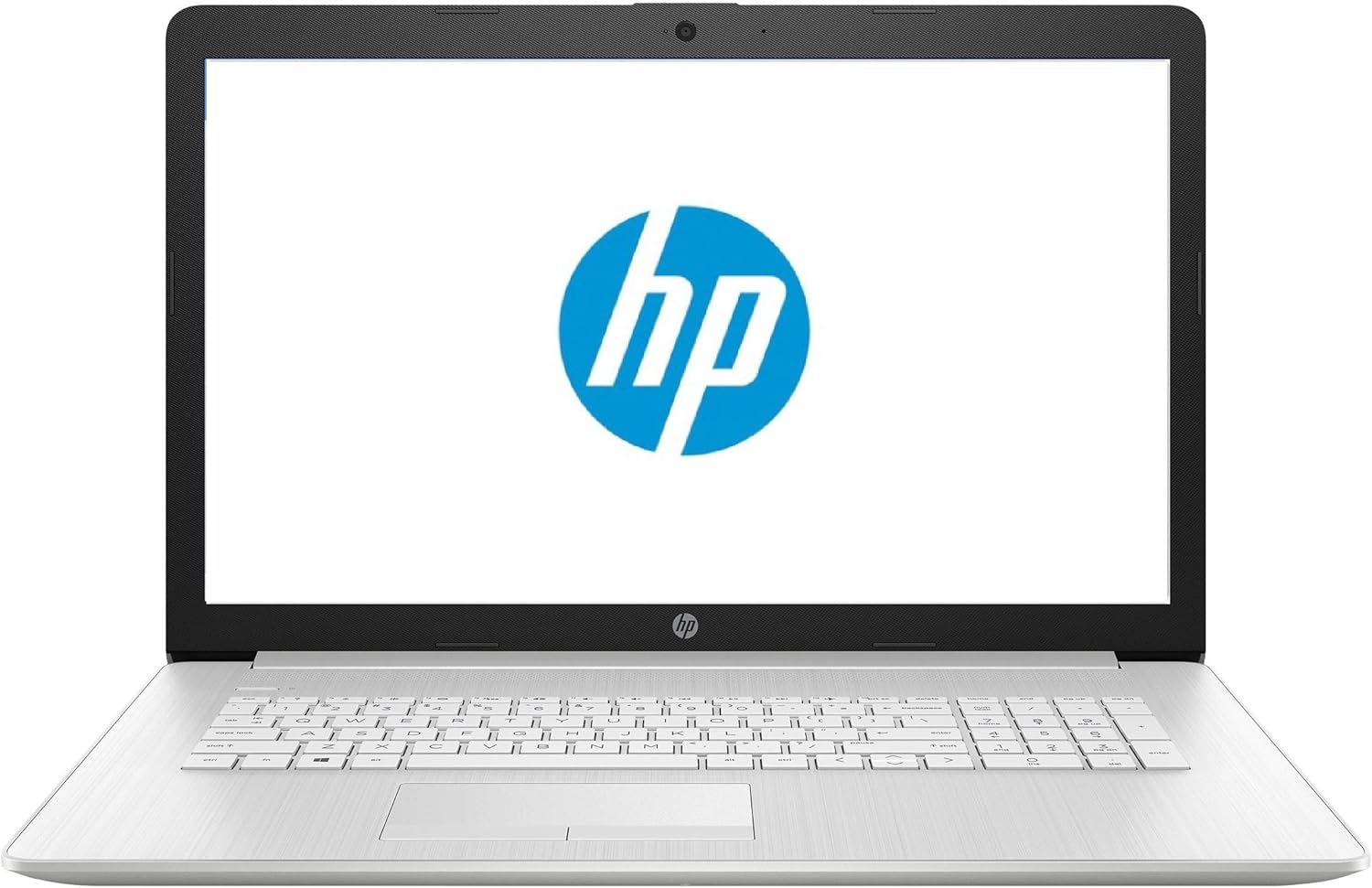
This massive 17.3-inch HP laptop comes with Linux Mint installed. It suits developers and power users who hate squinting at small screens and need serious memory for their daily tasks.
The combination of 32GB of RAM and dual hard drives makes this a powerhouse. The memory lets you run multiple virtual machines at the same time, while the solid-state drive keeps your main programs running fast. The extra 1TB mechanical drive gives you deep storage for giant files.
Buyers say the seller does a great job setting up Linux Mint and even helps answer questions after the sale. One common complaint is that the laptop lacks modern USB-C ports, which makes connecting newer accessories difficult.
This laptop works best as a desktop replacement. It is too large to carry to a coffee shop every day, but it excels sitting on a home office desk.
I really like the hardware combination here. Having a large screen makes reading long pages of code much easier on the eyes. I would recommend this to anyone who works from home. Just keep in mind that you will need adapters if your phone or external drives use USB-C cables.
✅ Pros
- Massive screen makes reading code easy
- Huge amount of RAM stops system slowdowns
- Holds thousands of files with dual hard drives
- Linux Mint setup runs very smoothly
❌ Cons
- Lacks modern USB-C connection ports
- Too large and heavy for daily travel
- Screen resolution is not full 1080p HD
💬 What Customers Say
Most buyers are thrilled with the value and performance of this machine. People leaving Windows report that the Linux Mint installation works perfectly and runs much faster than their old operating systems. Customers also praise the seller for providing good support. The main negative point brought up by users is the lack of USB-C ports, which caught a few buyers by surprise.
#6 Best Budget Alternative — MAXVELTH 14-Inch

This 14-inch MAXVELTH laptop targets budget-conscious buyers who want maximum memory. Note that this machine comes with Windows 11 installed, so you will need to install Linux yourself if that is your goal.
The 32GB of RAM is the main draw here. Finding this much memory at a low price is rare. It gives the system plenty of breathing room to keep dozens of browser tabs open without crashing.
Buyers praise the high value and the sharp 1080p screen. However, several users warn that the Pentium processor is quite weak and creates a bottleneck for the massive amount of memory.
This laptop works best for students or casual writers who want a cheap, lightweight machine for browsing the web and typing documents.
Honestly, pairing 32GB of RAM with a basic Pentium processor is a strange choice. The processor will struggle with heavy tasks long before the memory runs out. If you just want a cheap machine to wipe and install a lightweight Linux distribution on, it offers good value. But do not expect it to handle heavy video editing or complex coding.
✅ Pros
- Huge amount of memory for the low price
- Plenty of storage space for large files
- Small and lightweight for easy travel
- Screen looks sharp and clear
❌ Cons
- Comes with Windows 11 instead of Linux
- Pentium processor struggles with heavy computing
- Built-in camera offers poor image quality
💬 What Customers Say
Buyers repeatedly mention the incredible value this laptop offers for the price. Customers love the sharp screen and appreciate the small, lightweight charger. Many users note that the huge RAM keeps basic tasks running smoothly. However, tech-savvy reviewers warn others that the weak processor limits what the machine can actually do, advising people to stick to light work and video streaming.
#7 Best Portability — Lenovo Thinkbook 14s

This 14-inch Thinkbook targets business professionals who travel often and need a reliable Linux Mint machine. It features an aluminum body and a dedicated graphics card.
The Radeon 540X graphics card sets this model apart from standard office laptops. While it is not meant for heavy gaming, the extra graphics power helps display video smoothly and speeds up basic photo editing tasks.
Buyers report that the laptop runs very fast and the custom software setup works well. However, some users complain about an erratic flashing issue on the screen during use.
This laptop shines on airplanes and in coffee shops. The metal body protects it from bumps in your bag, and the backlit keyboard lets you work in dark rooms easily.
I like the premium feel of the aluminum chassis. It feels much sturdier than standard plastic laptops. The 8GB of memory is a bit low for modern development work, but it handles basic tasks fine. I would caution buyers about the screen flashing issue mentioned in reviews, as you might need to spend time fixing display drivers in Linux to stop it.
✅ Pros
- Aluminum body feels strong and looks professional
- Dedicated graphics card helps with media tasks
- Keyboard lights up for night typing
- System boots up and runs very fast
❌ Cons
- Screen sometimes flashes erratically during use
- Only 8GB of memory limits heavy multitasking
💬 What Customers Say
Customers generally praise the speed and build quality of this machine. Buyers note that the seller configures the Linux Mint software exactly to their specifications, making the laptop ready to use immediately. The main complaint comes from users experiencing an annoying screen flicker, though they still rate the overall speed and performance highly.
#8 Best Storage Capacity — Lenovo Business 15
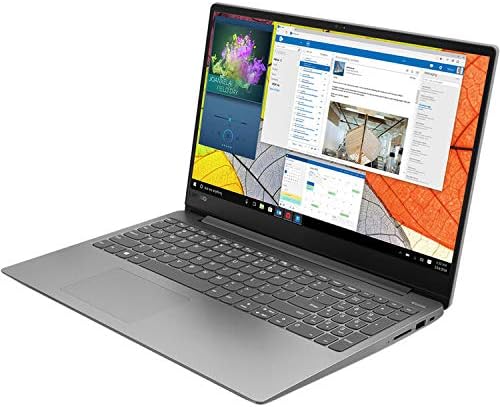
This 15.6-inch Lenovo laptop comes with Linux Mint and an Intel Core i7 processor. It targets users who want a fast processor and deep storage space for their files.
The laptop uses a traditional 1TB hard disk drive instead of a modern solid-state drive. This gives you a massive amount of room to store movies, music, and large documents without relying on cloud storage.
Buyers report severe issues with this machine. Many say the computer runs incredibly slow, and some report that the laptop completely died after just four months of use. Users also note that the speakers are too quiet to hear movies without headphones.
This laptop is meant for home office use where you need to store thousands of local files and do basic web browsing.
I cannot recommend keeping the original hard drive in this machine. Putting a slow mechanical hard drive next to a fast i7 processor creates a massive bottleneck that ruins the speed. If you buy this, you should plan to open it up and replace the hard drive with a solid-state drive immediately. Until you do that, the laptop will feel sluggish.
✅ Pros
- Large hard drive holds plenty of videos and files
- Keyboard includes a dedicated number pad
- Comes with Linux Mint ready to use
❌ Cons
- Mechanical hard drive makes the whole computer run slow
- Built-in speakers produce very low volume
- Short hardware lifespan reported by some users
💬 What Customers Say
Customer reviews for this model are mostly negative. While a few buyers say the system plays movies well, many others complain that the machine runs slower than computers from ten years ago. Buyers strongly suspect the mechanical hard drive causes the slow speeds. Several users also report hardware failures just months after buying, leaving them frustrated with the short warranty period.
#9 Best Premium Pick — Lenovo Thinkbook 13s
This 13.3-inch Thinkbook targets power users who want top-tier specifications in a very small package. It runs Linux Mint and features a premium aluminum body.
The combination of 32GB of RAM and a 1TB solid-state drive gives this tiny laptop massive power. It can easily run local servers, handle massive databases, and keep dozens of demanding applications open without breaking a sweat.
This laptop works perfectly for developers who commute every day. It weighs less than three pounds, making it easy to slip into a small bag, but it packs enough power to replace a desktop computer.
I consider this the strongest true Linux machine on the list. The screen includes HDR technology, which makes colors pop beautifully. The only downside is that the built-in fingerprint reader does not work with Linux Mint, which is a common issue with open-source drivers. Still, the raw power and premium metal build make it worth the investment.
Compared to the 14-inch Thinkbook, this model offers four times the memory and a much faster storage drive, making it a far better choice for serious coding.
✅ Pros
- Massive memory handles heavy development work
- High-quality screen shows excellent colors
- Metal body resists damage and looks great
- Physical shutter blocks the webcam lens
❌ Cons
- Smaller screen might feel cramped for long coding sessions
- Fingerprint reader does not work with Linux Mint
#10 Best AMD Performance — Lenovo ThinkPad E16
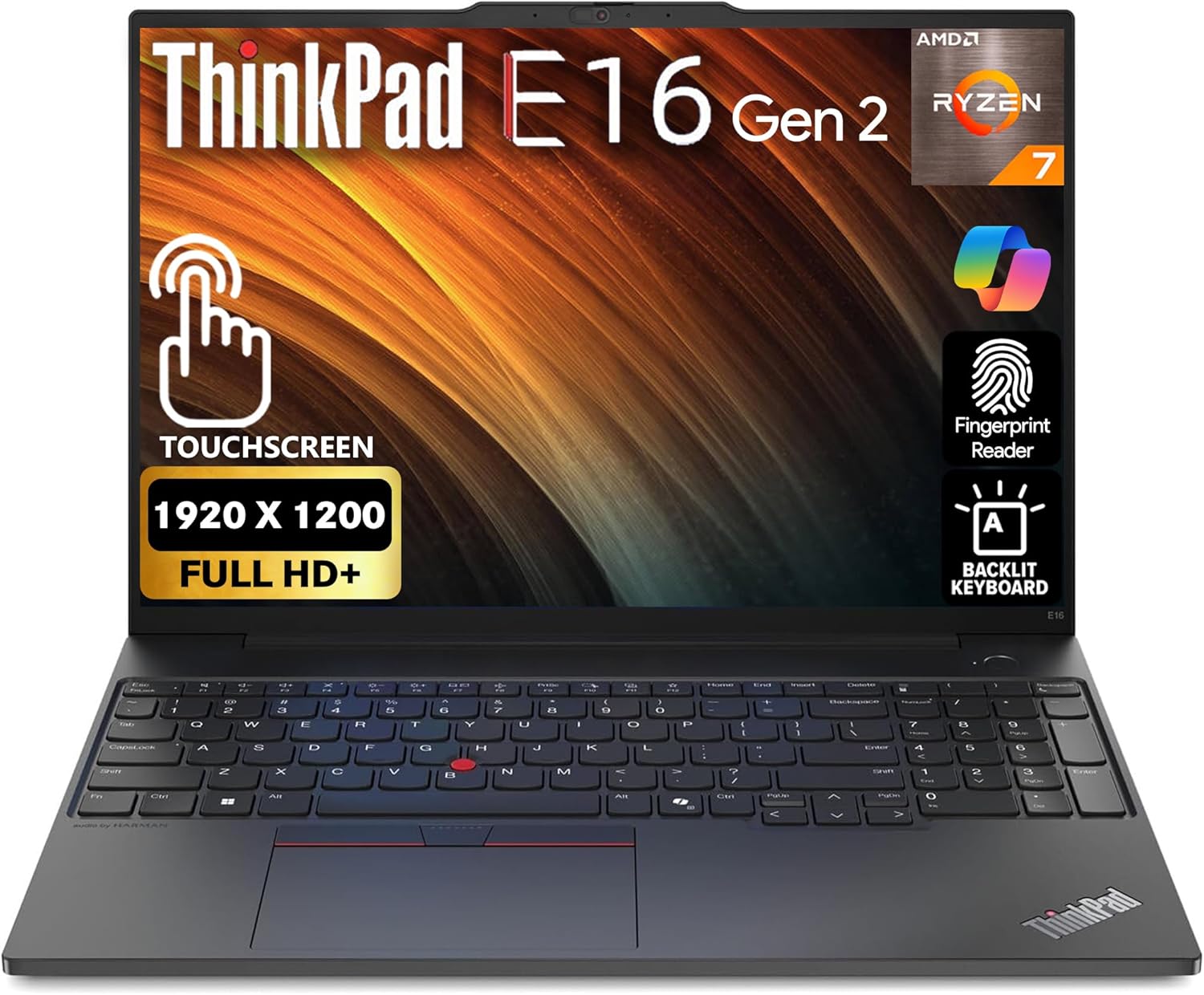
This 16-inch ThinkPad targets professionals who want a large screen and legendary keyboard quality. It comes installed with Windows 11 Pro, meaning you must install Linux yourself to use it as an open-source machine.
The AMD Ryzen 7 7735U processor delivers massive power. With 8 cores and 16 threads, this chip handles heavy video rendering, complex code compiling, and virtual machine hosting with ease.
This laptop works best as a primary work machine for someone who types all day. The ThinkPad keyboard is famous for its deep key travel and comfortable feel, making long coding sessions much easier on your hands.
I think this is a fantastic blank canvas for Linux users. ThinkPads usually have excellent hardware compatibility with distributions like Ubuntu and Fedora. While it is annoying that you have to wipe Windows off the drive yourself, the combination of 24GB of RAM and a brilliant 16-inch screen makes the effort completely worth it.
✅ Pros
- Powerful AMD processor handles heavy workloads
- Large screen reduces eye strain during long sessions
- Keyboard resists spills and feels great to type on
- Plenty of memory for running multiple applications
❌ Cons
- Requires you to install Linux yourself
- Larger footprint takes up more desk space
Frequently Asked Questions
Do I need an antivirus program on Linux?
Can I still run Windows programs on a Linux laptop?
Which is better for beginners: Ubuntu or Linux Mint?
Does a faster processor always mean a faster computer?
Conclusion
The Lenovo IdeaPad Slim 3 stands out as the best overall choice. It offers a fast modern processor, massive storage, and runs Ubuntu perfectly right out of the box. It gives developers everything they need to start working immediately without fighting with hardware drivers.
If you prefer a familiar layout and want to ease into open-source software, the Lenovo Linux Mint i5 is a fantastic alternative. It feels incredibly welcoming to new users. No matter which option you choose, moving to a dedicated Linux machine brings better privacy, stronger security, and a cleaner daily computing experience.