
Finding the right laptop feels much harder than it should be. Every brand throws confusing numbers, processor names, and marketing claims at you. They all promise fast speeds and long battery life, but those claims rarely match what happens in real life.
Most people make one of two mistakes. They either buy a massive, expensive machine with power they never use, or they buy the cheapest option and spend the next three years waiting for web pages to load. The key is finding the middle ground that fits your actual daily routine.
We looked past the marketing and dug into the real specifications and daily user feedback. We found out which laptops stay cool on your lap, which ones survive a full workday away from a charger, and which ones actually help you get your work done faster.
Quick Comparison
| # | Product | Rating | Reviews | Best For | Action |
|---|---|---|---|---|---|
| #1 | ASUS Vivobook 14 | N/A | N/A | Heavy Multitasking | View on Amazon |
| #2 | HP 14 Renewed | 4.1 | 639 | Basic Budget Use | View on Amazon |
| #3 | Dell 15 Laptop | 4.3 | 410 | Home Office Desk | View on Amazon |
| #4 | Acer Aspire 16 AI | 4.6 | 108 | All-Day Battery | View on Amazon |
| #5 | HP 14 Moonlight | 4.6 | 21 | Cloud Storage | View on Amazon |
#1 Best for Multitasking — ASUS Vivobook 14

This laptop suits people who keep dozens of browser tabs open while running heavy work programs. If your current computer freezes when you try to do three things at once, this machine solves that problem.
The massive 24GB of RAM makes the biggest difference here. Think of RAM as your computer’s short-term memory. With this much space, you can jump between video calls, heavy spreadsheets, and photo editing software without any lag or stuttering.
This laptop works best when parked on a desk for a heavy workday. The 14-inch screen is small enough to travel with, but the internal power handles tasks that usually require a much larger desktop computer.
Honestly, the sheer amount of memory is what stands out. Most laptops in this size offer a quarter of the RAM this one does. I would suggest this to heavy workers, but I would skip it if you only need a computer to check emails and read the news. The factory seal is broken to install the extra memory, which is normal for custom upgrades, but something to keep in mind.
✅ Pros
- Handles many open programs at once without lagging
- Stores huge amounts of files on the 1TB drive
- Includes a physical privacy shutter for the camera
- Comes with a useful 8-in-1 connection hub
❌ Cons
- Factory seal is opened to install the memory upgrades
- Front camera is only 720p resolution
#2 Best Budget Pick — HP 14 Renewed

This refurbished laptop is for students or casual users who just need to type documents and browse the web. It gives you basic access to Windows 11 without asking you to spend much money.
The main appeal is the simple, practical setup. It has enough battery life to get you through the day and enough ports to plug in a mouse or a flash drive. It does exactly what a basic computer should do.
Buyers agree that the battery lasts a long time and the laptop looks brand new out of the box. However, many people warn that the 64GB storage drive fills up very fast. Several users also note that it struggles and lags if you try to play modern video games on it.
It works best sitting in a classroom for taking notes or resting on the kitchen table for paying bills. It is light enough to carry around the house easily.
I would only suggest this for the absolute basics. The 4GB of memory and tiny storage drive mean you must keep your workload light. If you try to push it hard, it will slow down. But for simple tasks, it does the job just fine.
✅ Pros
- Battery lasts through a long day of basic use
- Very light and easy to carry in a backpack
- Handles basic web browsing and typing easily
❌ Cons
- Fills up fast with only 64GB of storage space
- Struggles and lags with heavy games or big apps
- Some buyers report initial trouble connecting to Wi-Fi
#3 Best for Home Use — Dell 15 Laptop
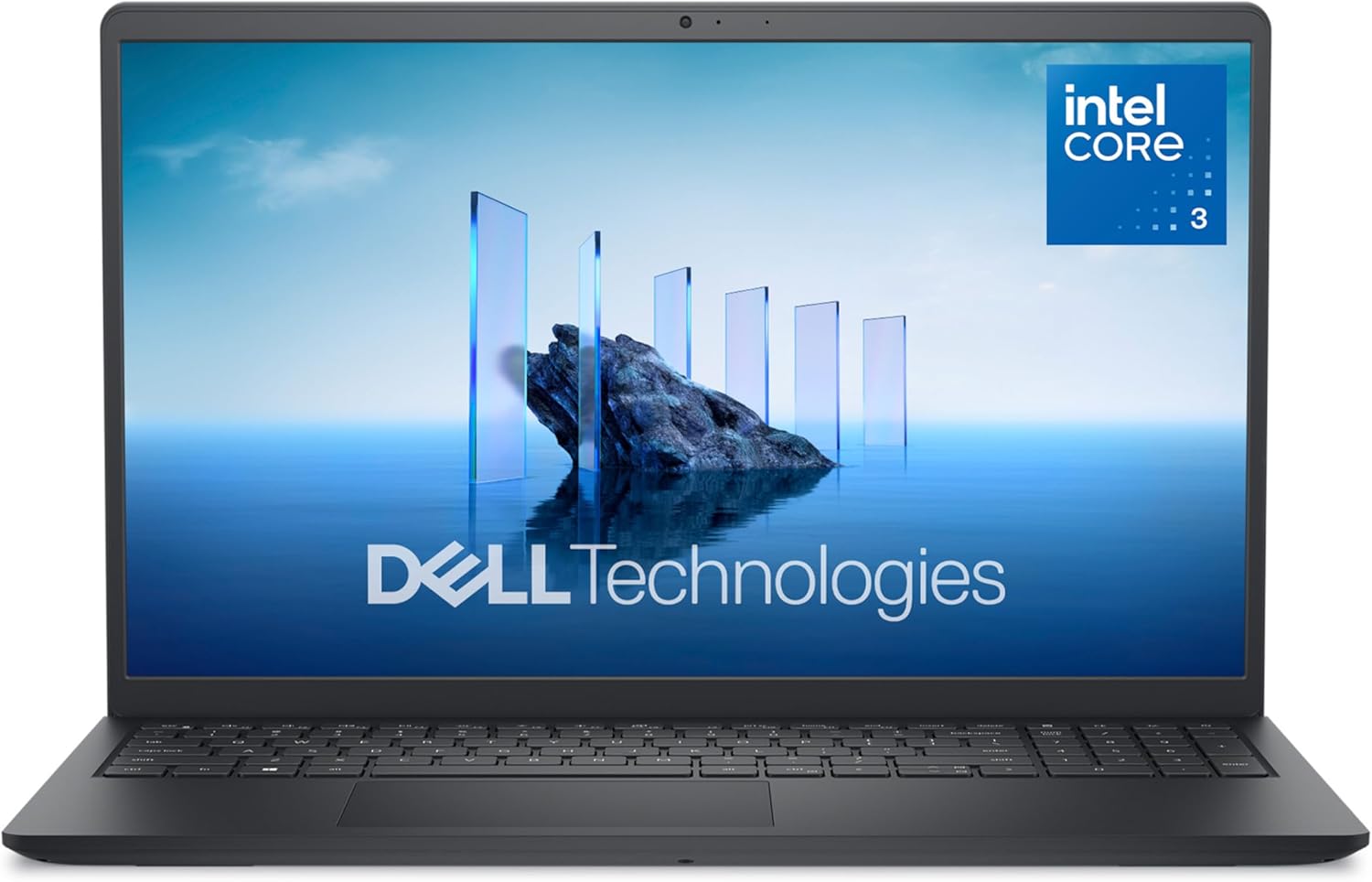
This laptop fits people who want a larger screen and a full keyboard for home office work. It gives your hands and eyes more room to work comfortably.
The 15.6-inch 120Hz screen is the main draw here. The faster refresh rate makes scrolling through long documents and web pages look much smoother. It causes less eye strain when you stare at the screen for hours.
Most buyers love how fast it starts up and appreciate having a full number pad on the right side. However, several users complain about a loud cooling fan that blows hot air toward the screen. A few also mention that the battery drains completely in just two or three hours.
This laptop works best parked on a home desk where you can keep it plugged into the wall. It is great for typing up long emails or balancing a household budget on a large spreadsheet.
The screen size and storage space are great for the price, but the loud fan and weak battery make it a poor travel companion. I would suggest this to someone who works at a desk, but I would look elsewhere if you want to work from a coffee shop.
✅ Pros
- Large screen makes reading and scrolling easy
- Full keyboard includes a separate number pad
- Starts up and loads applications quickly
❌ Cons
- Cooling fan gets loud during normal use
- Battery drains in just a few hours off the charger
- Camera looks washed out on video calls
#4 Best Overall — Acer Aspire 16 AI

This laptop is for professionals and students who work away from a plug all day. It uses a modern processor design to save power while keeping speeds high.
The Snapdragon processor changes how this laptop handles daily tasks. It sips power instead of gulping it. This means the laptop stays cool on your lap and the battery lasts far longer than older models.
Buyers are thrilled with the battery life, especially when using the eco mode. They love that the machine stays completely cool and quiet. A few users noticed a minor screen flicker when zooming in closely on images, but most agree the large touchscreen looks sharp and bright.
This machine shines when you are working on a long flight or sitting in a library all afternoon without a charger. The backlit keyboard and large screen make it comfortable to use anywhere.
This is the most modern machine on the list. The cooling system and battery life make it a joy to use daily. The new AI search features are a nice bonus, but the fact that it stays cool and runs all day is the real reason to buy it.
✅ Pros
- Battery lasts incredibly long on eco mode
- Stays cool on your lap during long work sessions
- Large touchscreen looks sharp and bright
- Locks automatically when you walk away
❌ Cons
- Screen sometimes flickers when zooming in on images
- Maximum battery life requires using eco mode
#5 Best for Cloud Storage — HP 14 Moonlight

This laptop suits people who save most of their work, photos, and files online. It is built for users who rely on the internet more than internal hard drives.
It comes with 1TB of Microsoft cloud storage. This means you do not have to worry about the small internal drive filling up. You can save thousands of photos and documents safely online and reach them from anywhere.
Customers find it very quiet, sleek, and great for school or job hunting. It handles daily tasks well. A few buyers experienced a glitch with the Wi-Fi connection during the first setup, but they noted it worked fine after a quick fix.
It works best for typing up documents in a quiet space where you do not want a loud fan distracting you. The lightweight design makes it easy to slide into a small bag.
The included cloud storage adds a lot of value if you know how to use it. Still, the 4GB of memory means you cannot run too many things at once. Keep your tasks simple, save your files to the cloud, and it works very well.
✅ Pros
- Includes a huge amount of online storage space
- Runs very quietly with no loud fans
- Lightweight and easy to pack in a bag
❌ Cons
- Small internal storage drive limits local files
- Limits how many apps you can run at once
- Initial Wi-Fi setup can be tricky for some users
Frequently Asked Questions
How much RAM do I really need?
Is a renewed laptop safe to buy?
Does screen size matter?
What is the difference between an SSD and cloud storage?
Conclusion
The Acer Aspire 16 AI takes the top spot because its battery life and cooling system solve the biggest daily frustrations people have with laptops. It stays cool, runs fast, and lasts all day on a single charge.
If you just need a reliable machine for a home office desk, the Dell 15 offers a great screen and a full keyboard. Pick the one that fits your daily routine, and you will get your work done with much less stress.